Voice
Tap, talk, done.
The recorder opens already recording and shows your words as you speak. They become text on your device, in English or Turkish, and the audio stays next to them.
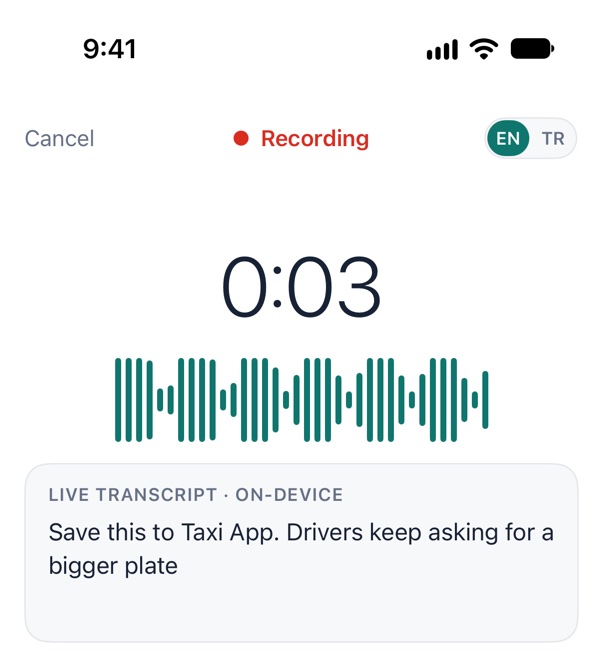
 Switch apps or lock the phone: it keeps recording, with the timer in the Dynamic Island and on the Lock Screen.
Action button
Control Center
Lock Screen
“Capture to Taxi App in weeDock”
It never stops on its own. A gentle tap every 30 minutes, the timer in the Dynamic Island, and a safe save if storage or battery run low.
Screenshots & photos
Share it from anywhere.
Share a screenshot, take a photo or pick one. Choose the project and a module, add a tag or a few words, save. Text inside the image is read on your device, so a search finds it months from now.
Links & videos
Saw something good? Keep the why.
Onboarding in 45 secondsyoutube.com · ShortsUse the step dots on the Taxi App sign-up.
Share a YouTube Short, a Facebook post or any link, with a note in your own words. A YouTube video brings its title and channel, most other pages their title.
Text
When talking isn't an option.
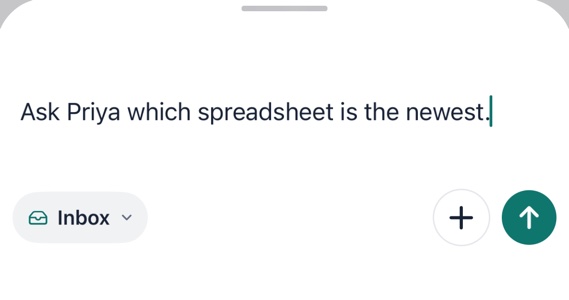
Tap Type on Home, or the bar on the other tabs, type, swipe it away. It's saved, with Undo for a few seconds.
Always one step away
From any screen.
Share sheet
Home Screen widget
Lock Screen
Siri & Shortcuts
Even with no signal. Captures are saved on the device first and sync when you're back online.